
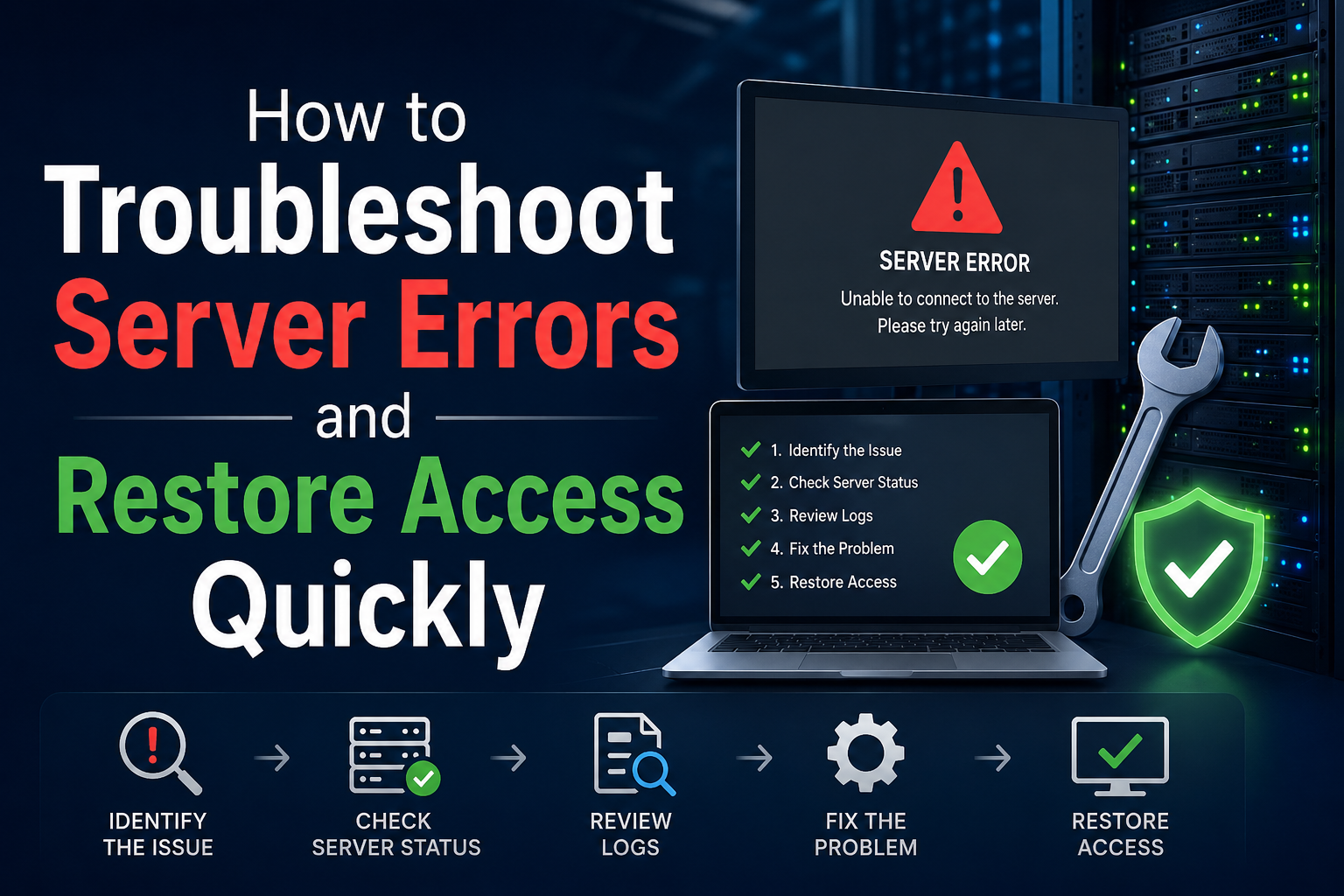
When encountering a server error message, frustration often follows. These disruptions typically occur when a server faces maintenance, overloads, or technical glitches, leaving users unable to access websites or services. While the issue may seem daunting, understanding the root causes and knowing how to respond can save time and reduce stress. Whether you're a website visitor or an administrator, having a clear action plan ensures smoother navigation through these technical hiccups.
Server errors are more common than many realize, often appearing as generic messages like "503 Service Unavailable" or "500 Internal Server Error." These alerts indicate that something has gone wrong on the server’s end, but they don’t always specify the exact problem. For users, this lack of clarity can be confusing, while for site owners, it signals the need for immediate investigation. Recognizing the different types of errors and their potential solutions is the first step toward resolving them efficiently.
Server errors arise from multiple sources, ranging from scheduled maintenance to unexpected surges in traffic. During routine updates, servers may temporarily go offline to implement security patches or software upgrades. Similarly, if a website experiences an influx of visitors beyond its capacity, the server may struggle to process requests, leading to timeouts or crashes. Hardware failures, misconfigured settings, or even cyberattacks can also disrupt service, making it essential to identify the cause before taking action.
Not all server errors are identical, and their codes provide clues about the underlying issue. A **500 Internal Server Error** suggests a general problem with the server’s configuration, often requiring a review of logs or scripts. Meanwhile, a **503 Service Unavailable** error indicates the server is overloaded or undergoing maintenance. Other codes, like **502 Bad Gateway** or **504 Gateway Timeout**, point to communication breakdowns between servers. Familiarizing yourself with these codes helps pinpoint the problem faster, whether you’re troubleshooting as a user or a developer.
The simplest solution is often the most effective. A quick page refresh can resolve temporary glitches, especially if the server was momentarily overloaded. If the error persists, waiting a few minutes before trying again may help, as some issues resolve themselves once traffic subsides or maintenance completes. Clearing your browser’s cache or switching to a different network can also eliminate local factors contributing to the problem.
Many websites post updates about scheduled maintenance or outages on their social media channels or status pages. Before diving into complex troubleshooting, a quick search for official announcements can save time. Platforms like Twitter, Reddit, or dedicated status sites (e.g., DownDetector) often provide real-time information about widespread issues. If the problem is on the provider’s end, patience and monitoring these updates are the best courses of action.
For administrators, server logs are invaluable for diagnosing errors. These logs record every request and error, offering insights into what went wrong. Tools like cPanel, Apache, or Nginx logs can reveal patterns, such as repeated failed requests or specific scripts causing crashes. Analyzing these logs helps isolate the issue, whether it’s a misconfigured plugin, a database connection failure, or a resource limitation.
Overloaded servers often struggle due to insufficient CPU, RAM, or bandwidth. Monitoring tools like New Relic, Datadog, or even built-in server dashboards can track resource usage in real time. If metrics show high consumption, upgrading hosting plans, optimizing code, or implementing caching solutions may be necessary. Load testing tools can also simulate traffic spikes to identify vulnerabilities before they cause outages.
Proactive measures can significantly reduce the risk of server errors. Compressing images, minifying code, and leveraging content delivery networks (CDNs) lighten the server’s load. Regularly updating software, plugins, and security protocols also minimizes vulnerabilities that could lead to crashes. For high-traffic sites, scalable hosting solutions like cloud servers or dedicated resources ensure stability during peak periods.
Redundancy is key to maintaining uptime. Using multiple servers or failover systems ensures that if one server fails, another can take over seamlessly. Automated backups are equally critical, allowing quick restoration in case of data corruption or cyber incidents. Services like AWS, Google Cloud, or managed hosting providers offer built-in redundancy and backup solutions, providing peace of mind for site owners.
Sudden server errors often result from unexpected traffic spikes, hardware failures, or misconfigured updates. Without proper monitoring, these issues can catch administrators off guard, leading to temporary outages.
No, server errors are isolated to the server hosting the website or service. Your device remains unaffected, though you may temporarily lose access to the site until the issue is resolved.
Duration varies widely. Minor issues may resolve within minutes, while major outages or hardware failures could take hours. Scheduled maintenance is usually announced in advance with an estimated completion time.
Server errors, while disruptive, are a manageable part of the digital landscape. For users, patience and basic troubleshooting steps like refreshing the page or checking for announcements can restore access quickly. Website owners, on the other hand, must adopt a proactive approach—monitoring logs, optimizing performance, and implementing redundancy—to minimize downtime. By understanding the causes and solutions, both parties can navigate these challenges with confidence.
Prevention remains the best strategy. Regular maintenance, resource monitoring, and scalable infrastructure ensure that servers remain resilient against unexpected disruptions. Whether you’re a casual user or a tech-savvy administrator, staying informed and prepared turns server errors from a roadblock into a minor inconvenience.
===META===