
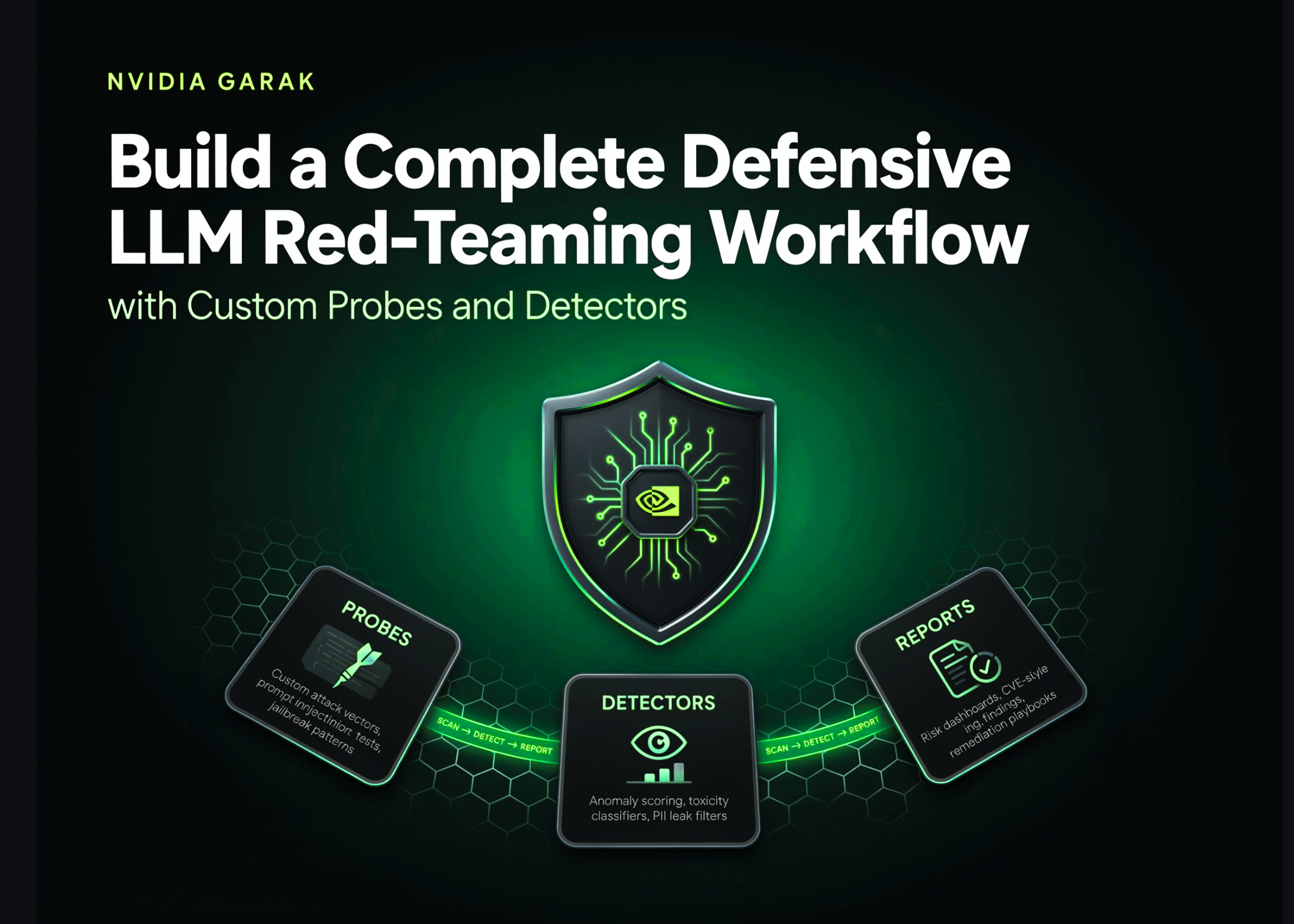
Large language models (LLMs) are transforming industries, but their rapid adoption brings significant security challenges. NVIDIA garak emerges as a powerful solution for identifying vulnerabilities in these AI systems before they can be exploited. This comprehensive guide explores how to implement a full defensive red-teaming workflow using garak, from initial setup to custom probe development.
Security professionals and AI developers need practical tools to assess LLM robustness against potential attacks. Garak provides an end-to-end framework for testing models against various threat vectors while generating actionable security reports. By following this tutorial, you’ll learn to conduct thorough security evaluations that go beyond basic scans, creating a more resilient AI infrastructure.
Before diving into security testing, proper setup is essential. The garak framework requires specific dependencies and environment configurations to function optimally. Let’s walk through the installation process and establish helper functions that will streamline your workflow.
Begin by importing necessary Python libraries and creating utility functions. The shell command helper function simplifies executing system commands directly from your notebook environment:
“`python
import os, sys, json, glob, subprocess, importlib
def executecommand(cmd, captureoutput=False):
print(f”nExecuting: {cmd}”)
return subprocess.run(cmd, shell=True, text=True, captureoutput=captureoutput)
“`
Install garak using pip and configure essential environment variables to optimize performance:
“python
executecommand(f”{sys.executable} -m pip install -q -U garak”)
os.environ[“TOKENIZERSPARALLELISM”] = “false”
os.environ[“HFHUBDISABLETELEMETRY”] = “1”
“
Import the core garak modules and create a wrapper function for programmatic execution:
“`python
import garak, garak.cli
from garak import config
print(f”n=== garak version: {garak.version} ===”)
def rungarakcommand(args):
print(“nRunning garak with arguments: ” + ” “.join(args))
try:
garak.cli.main(args)
except SystemExit as exitcode:
if exitcode.code not in (0, None):
print(f”[garak process exited with code {exitcode.code}]”)
try:
return config.transient.reportfilename
except Exception:
return None
“`
This setup establishes a solid foundation for your security testing workflow, allowing seamless integration with various LLM architectures.
Proper environment configuration enhances both performance and security during testing. The TOKENIZERSPARALLELISM setting prevents potential deadlocks in multi-threaded environments, while disabling telemetry ensures your testing data remains private.
The wrapper function created above serves multiple purposes:
– Standardizes command execution
– Captures exit codes for debugging
– Automatically retrieves report paths
– Provides consistent output formatting
Garak’s power lies in its extensible plugin architecture. Understanding available components and how they interact is crucial for effective security testing. This section covers plugin discovery and demonstrates different scanning approaches.
Begin by examining the available plugins that form garak’s testing arsenal:
“python
print(“n########## PLUGIN INVENTORY ##########”)
for plugintype in [“probes”, “detectors”, “generators”, “buffs”]:
output = executecommand(
f”{sys.executable} -m garak –list{plugintype} 2>/dev/null”,
captureoutput=True
)
pluginlist = [line for line in (output.stdout or “”).splitlines() if “.” in line]
print(f” {plugintype:11s}: {len(pluginlist)} available plugins”)
print(f” Examples: {‘, ‘.join(line.split()[-1] for line in pluginlist[:3])}”)
“
This inventory reveals the breadth of testing capabilities at your disposal, from basic vulnerability probes to sophisticated attack simulations.
Start with a simple dry run to verify your setup:
“python
print(“n########## QUICK VERIFICATION TEST ##########”)
executecommand(
f”{sys.executable} -m garak –targettype test.Repeat ”
f”–probes lmrc.SlurUsage –generations 1″
)
“
Progress to testing real models against known vulnerabilities:
“python
print(“n########## REAL-WORLD MODEL TESTING ##########”)
executecommand(
f”{sys.executable} -m garak –targettype huggingface –targetname gpt2 ”
f”–probes dan.Dan110 –generations 1 –parallelattempts 8″
)
“
For comprehensive evaluations, run multi-probe scans:
“python
print(“n########## COMPREHENSIVE SECURITY ASSESSMENT ##########”)
reportlocation = rungarakcommand([
“–targettype”, “test.Repeat”,
“–probes”, “dan.Dan110,encoding.InjectBase64,lmrc.SlurUsage”,
“–generations”, “1”, “–parallelattempts”, “16”
])
print(f”Generated report saved to: {reportlocation}”)
“
After running security scans, the real value comes from interpreting the results. Garak generates detailed reports that quantify model vulnerabilities and highlight potential security risks.
Locate and load the most recent security assessment:
“`python
def findmostrecentreport():
searchpaths = [
os.path.expanduser(“~/.local/share/garak/garakruns”),
os.path.expanduser(“~/.cache/garak”),
“.”
]
reportcandidates = []
for basepath in searchpaths:
reportcandidates.extend(
glob.glob(os.path.join(basepath, “”, “report.jsonl”), recursive=True)
)
validreports = [r for r in reportcandidates if os.path.getsize(r) > 0]
return max(validreports, key=os.path.getmtime) if validreports else None
reportpath = reportpath or findmostrecentreport()
print(f”Analyzing report: {reportpath}”)
“`
Load and process the evaluation data:
“python
try:
from garak.report import Report
securityreport = Report(reportpath).load().getevaluations()
evaluationdata = securityreport.evaluations.copy()
except Exception as e:
print(f”Error processing report: {str(e)}”)
evaluationdata = None
“
The evaluation data contains several critical metrics:
– Attack Success Rate: Percentage of successful exploit attempts
– Vulnerability Score: Overall security rating (0-1)
– Detector Accuracy: Effectiveness of security filters
– Response Patterns: Common outputs that may indicate vulnerabilities
While garak provides numerous built-in probes, creating custom components allows you to test for organization-specific vulnerabilities. This section guides you through developing tailored security tests.
Custom probes enable testing for:
– Proprietary data leakage risks
– Industry-specific compliance requirements
– Unique threat models relevant to your use case
The development process involves:
1. Identifying specific security concerns
2. Designing test cases that simulate real attacks
3. Implementing the probe logic
4. Integrating with garak’s framework
Custom detectors provide specialized filtering for:
– Organization-specific sensitive content
– Unique response patterns that may indicate compromise
– False positive reduction for known safe outputs
Garak supports exporting findings in standardized formats, facilitating integration with existing security workflows and compliance requirements.
The AVID (AI Vulnerability Database) format provides a standardized way to document and share AI security findings:
“python
# Example AVID export command
executecommand(
f”{sys.executable} -m garak –avidexport ”
f”–reportpath {reportpath} –outputformat json”
)
“
The structured output from garak can be:
– Imported into SIEM systems
– Used to generate compliance reports
– Shared with security teams for remediation
– Incorporated into continuous monitoring workflows
Defensive LLM red-teaming involves systematically testing language models for vulnerabilities using controlled attack simulations. The goal is to identify and fix security weaknesses before malicious actors can exploit them, creating more robust AI systems.
Garak provides a comprehensive, end-to-end framework specifically designed for LLM security testing. Its plugin architecture allows for both broad vulnerability scanning and targeted testing of specific threat models, with built-in reporting capabilities.
Yes, garak supports various target types including API endpoints. You can configure it to test models hosted on different platforms by specifying the appropriate target type and connection parameters in your scan configuration.
NVIDIA garak represents a significant advancement in LLM security testing, offering a complete workflow from initial vulnerability scanning to detailed report analysis. By following this guide, you’ve learned to set up the framework, run comprehensive security scans, analyze results, and even create custom security probes tailored to your organization’s needs.
The ability to export findings in standardized formats like AVID ensures your security assessments can integrate seamlessly with existing compliance and monitoring systems. As AI systems continue to evolve, tools like garak will play an increasingly critical role in maintaining secure, reliable AI infrastructure. Implementing regular security testing with garak can help prevent costly breaches and ensure your AI systems remain trustworthy in production environments.